João Victor Cruz — designer and fullstack developer
João Victor Cruz,
I design the interface.
I build the product.
UI/UX, front-end, back-end, dashboards, SEO and automation — from Figma to deploy, including the parts nobody sees.
What brings you here?
projects
Real projects, from Figma to code.
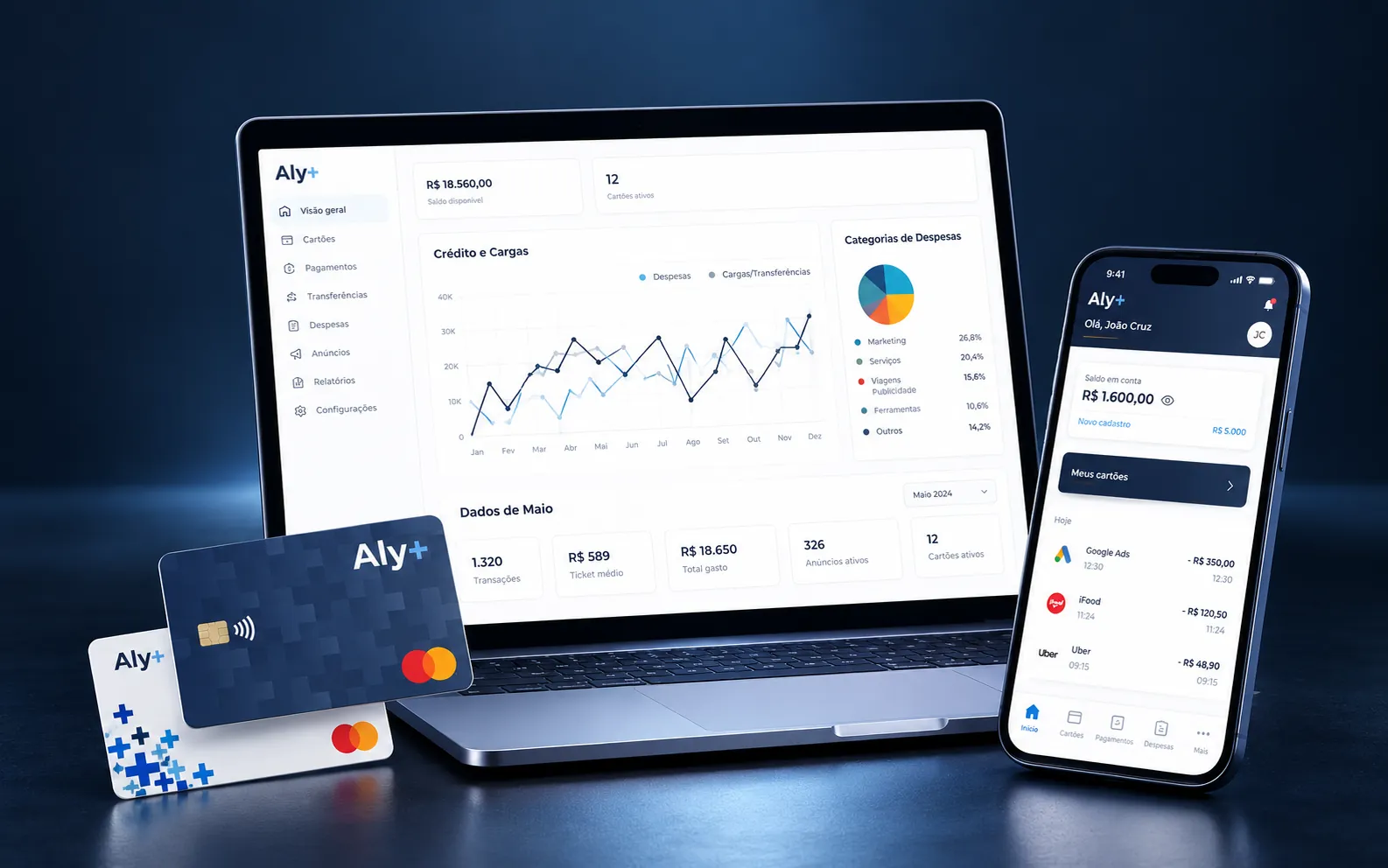
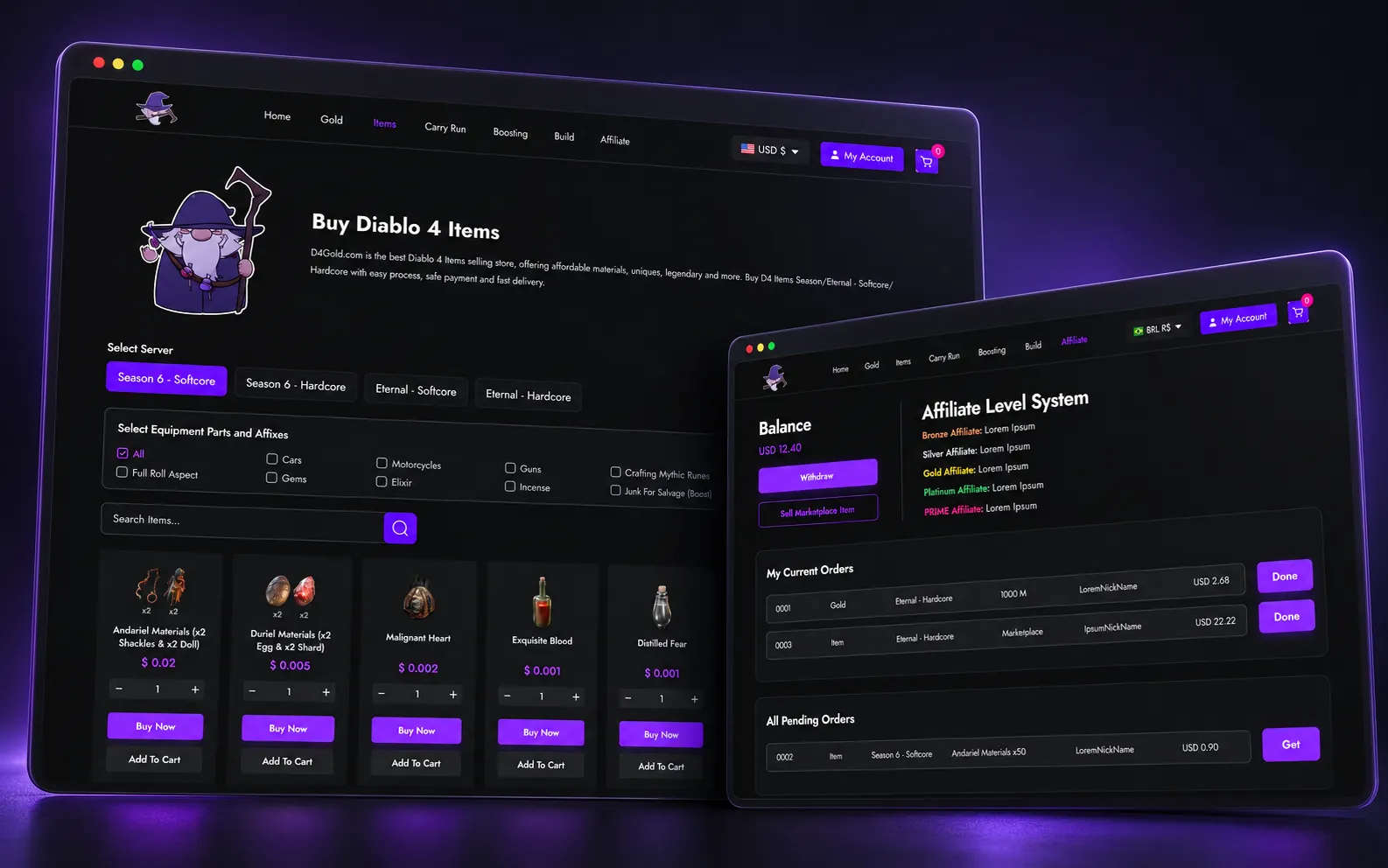
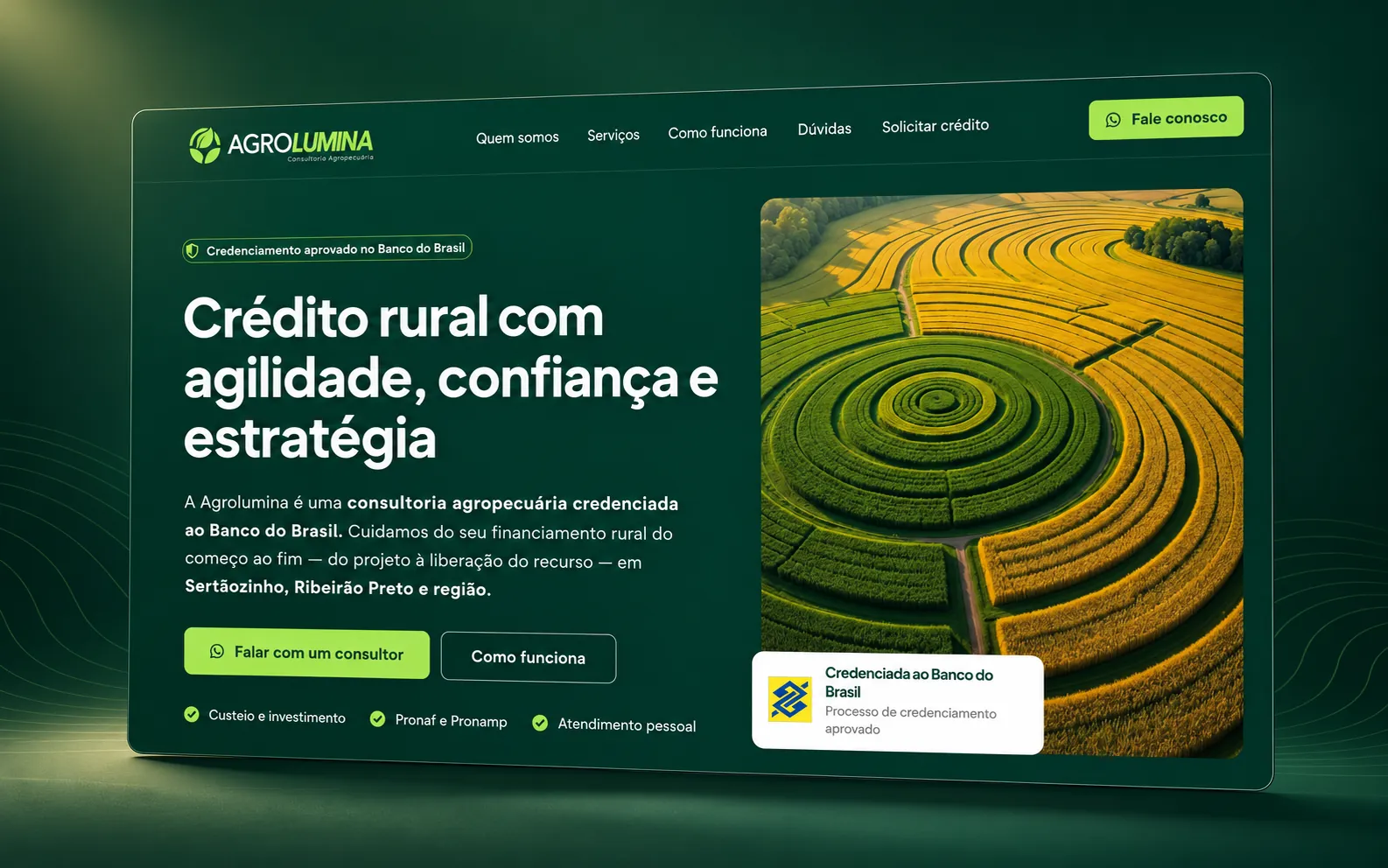
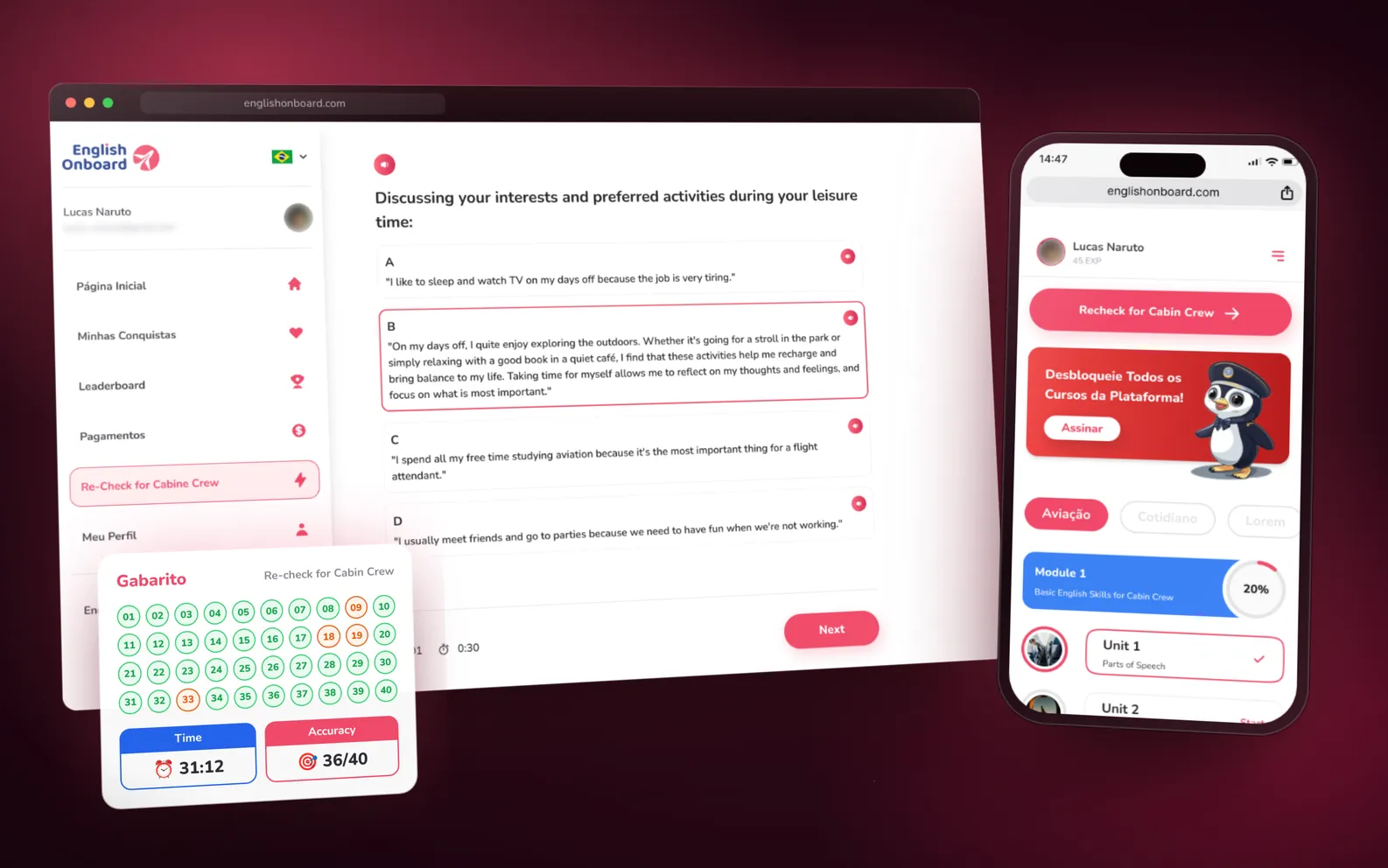
Open a project to see the full case, with the original screens and a demo you can actually use.


services
What I do, and where you can see it.
Each service points to the projects where it shows up, with a shortcut straight to the case.
UI/UX and design systems
Flows, interactive prototypes and design systems in Figma. Decisions get tested by clicking before they turn into code.
- interactive prototype
- styleguide
- tokens and components
seen in Aly+El MagoEnglish OnBoard
Front-end
Fast interfaces, faithful to the design, from prototype to code. On El Mago, with Next.js and Tailwind.
- Next.js
- Tailwind CSS
- from Figma to code
Back-end and product
Business rules and the back-end that holds the interface up: from calculating the order to what Google needs to read.
- business rules
- back-end for SEO
- order calculation
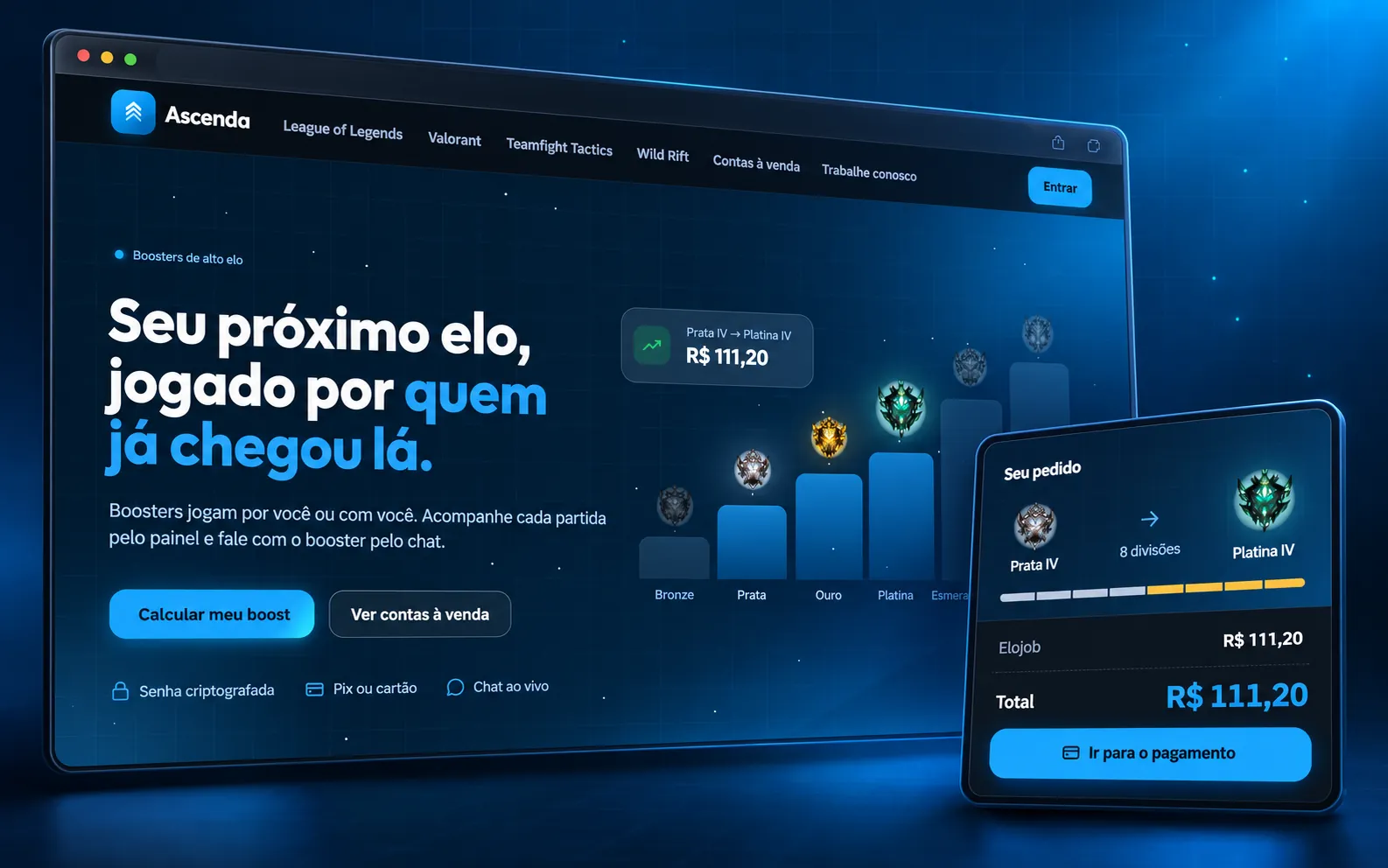
seen in AgroluminaAscenda
Dashboards
Dashboards that show what matters to whoever runs the product: balance, credit and top-ups per month, segments and the progress of each order.
- data visualization
- filters
- segmentation
Technical SEO and performance
CLS, Google indexing and keywords researched for Google and for AI assistants.
- CLS
- Google indexing
- Google/AI keywords
seen in Agrolumina
Automation and prompt design
Flows that take repetitive work out of the way, and prompts treated like code: versioned, tested and with predictable output.
- automated flows
- integrations
- versioned prompts
want to automate something? let’s talk
process
How a project moves with me.
Six steps, in the order they happen. Pick one to see what I do in it — and in which projects.
Before the screen, the problem: who uses it, what they need to solve and what the business needs to measure.
in projects Aly+El MagoAgroluminaEnglish OnBoard
Flows in Figma and an interactive prototype. Decisions get tested by clicking, not argued over in slides.
in projects Aly+El MagoEnglish OnBoard
Design system and styleguide: tokens, components and states. The same vocabulary in Figma and in code.
Front-end and back-end: app, site and dashboard coming out of the same system.
in projects Aly+El MagoAgroluminaAscenda
Technical SEO: CLS, Google indexing and keywords researched for Google and for AI assistants.
in projects Agrolumina
Dashboards for whoever runs the product after launch.
in projects Aly+
about
Between design and code.
I’m João Victor Cruz, aka jvcrz. I design the interface in Figma, turn it into a product and take care of what comes after: performance, SEO, security and the automations that keep everything running.
I built Aly+ end to end — app, website and dashboards —, directed El Mago and Agrolumina, and I use study projects, like Ascenda, to test ideas before taking them to clients.
This site is an example of that care: the numbers on this panel were measured just now, in your browser.
- CLS layout shift
- —
- LCP largest visible element
- —
- TTFB first byte
- —
- transferred size
- —
- third-party requests
- —
- Content-Security-Policy
- —
- HSTS
- —
- font in use
- —
contact
Got a project in mind?
Let’s make it real.
The most direct way is LinkedIn. The full visual portfolio is on Behance.